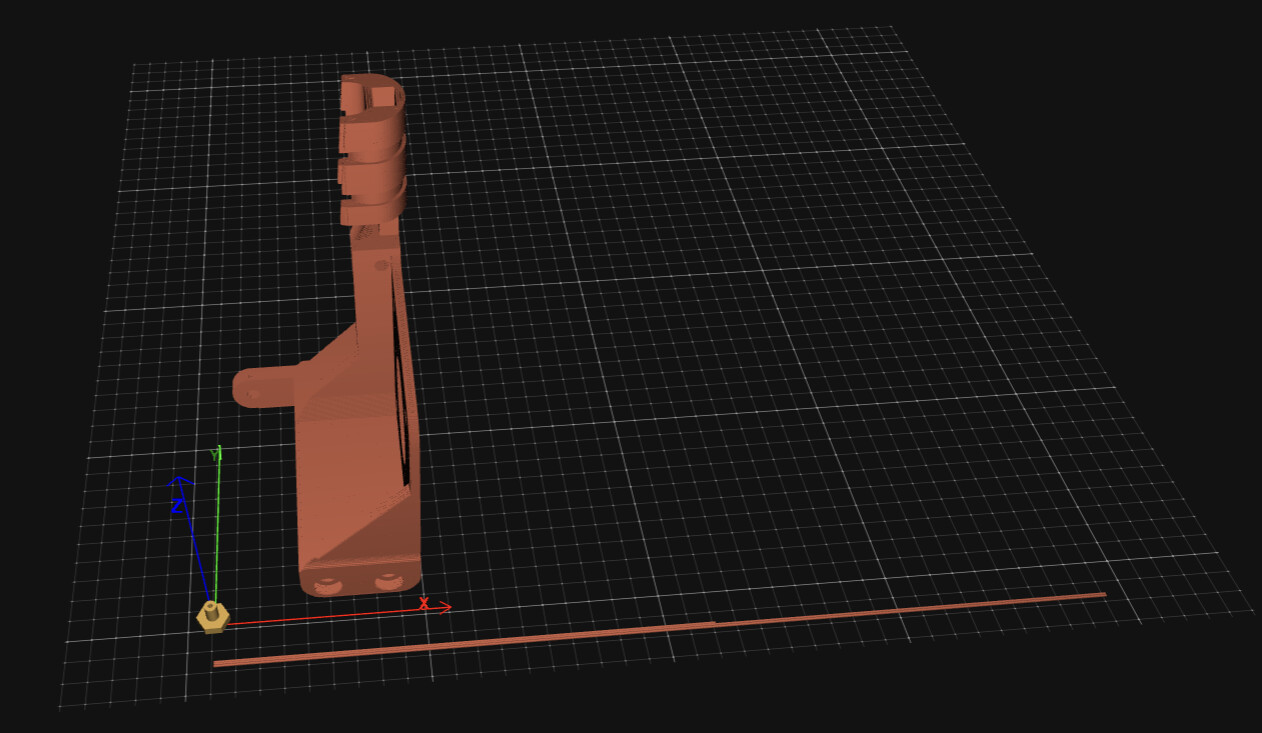
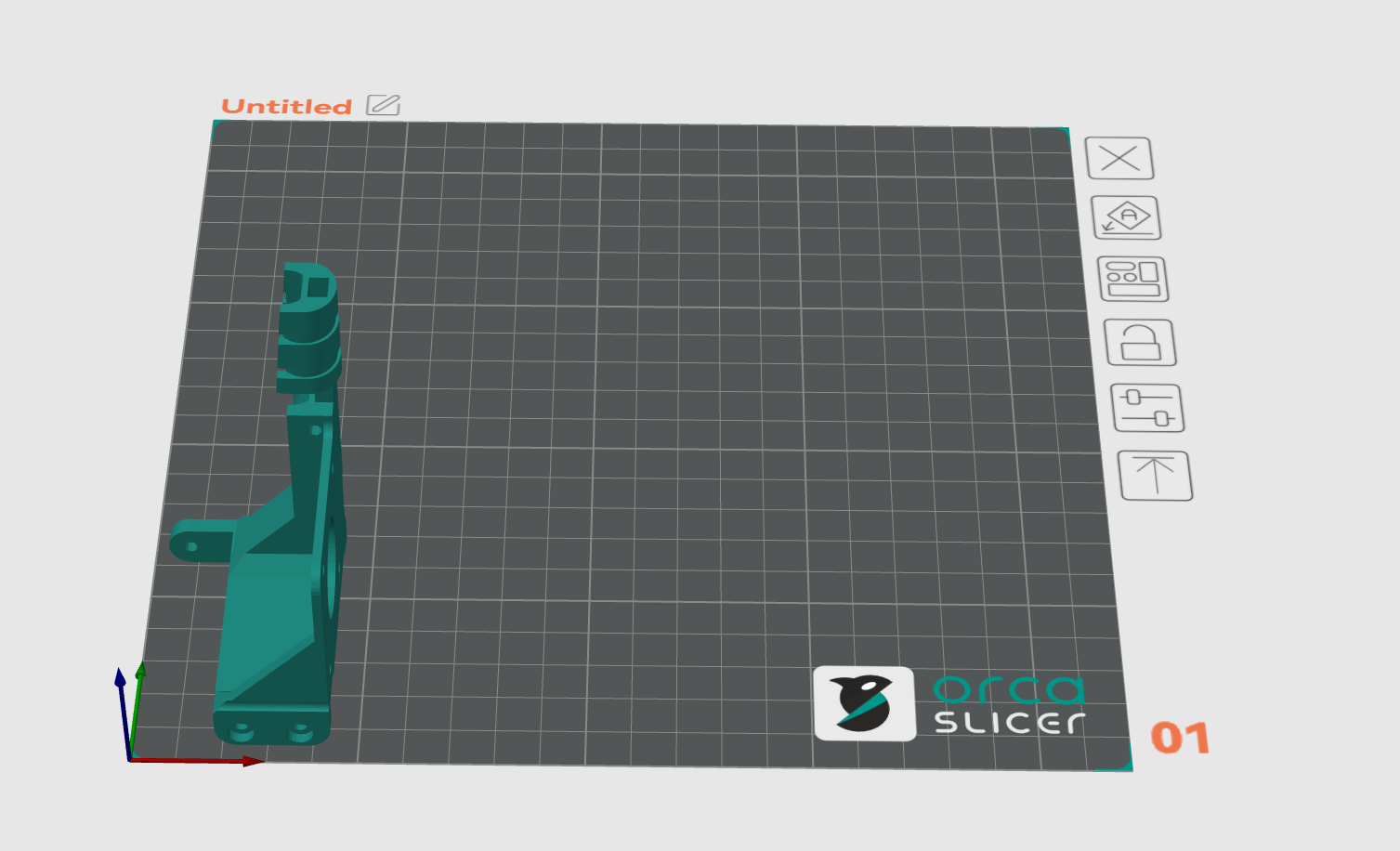
I’m trying to fix my X&Y offset, just installed Klipper yesterday and got it working on my Anet A6 can print but everything is shifted I suspect because of my X&Y offset which X=-31 and Y=-17. I have my x_stepper and y_stepper set like this. Build plate is 220x220 but it’s going to 0,0 to print which is not my “home corner” if you will.
[stepper_x]
step_pin: PD7
dir_pin: PC5
enable_pin: !PD6
microsteps: 16
rotation_distance: 32
endstop_pin: ^!PC2
position_endstop: -31.1
position_max: 220
position_min: -31.1
homing_speed: 120
[stepper_y]
step_pin: PC6
dir_pin: PC7
enable_pin: !PD6
microsteps: 16
rotation_distance: 32
endstop_pin: ^!PC3
position_endstop: -17.5
position_min: -17.5
position_max: 215
homing_speed: 120
In OrcaSlicer, I changed the printable area to -31,-17 and that shifted the build plate, but still wouldn’t allow me to use the full space in OrcaSlicer. I also adjusted the X offset and Y offset in Extruder settings, but that didn’t seem to change anything either. I’ve searched around, and maybe I don’t know the right terminology, so sorry if this is a repeat question, but I couldn’t find what I needed.
…