It does not appear that the leveling and the first layer print are with it.
klippy.log (641.8 KB)
BTW: What are you trying to print with? 100°C for the bad and 250°C for the extruder?
I was trying to print with ABS, that’s why I used 250°C for the hotend and 100°C for the bed. Should I change them?
Do you have an enclosure?
Yes, my printer is enclosed.
Have you tried to do this with PLA?
I tried it with PLA before, but not after the recent changes. I didn’t have this issue when I printed with PLA before. But I don’t think it’s related to the filament. During the print, the nozzle scrapes the bed and vibrates heavily in the areas where the print is failing.
If PLA prints fine, then the printer and Klipper work fine.
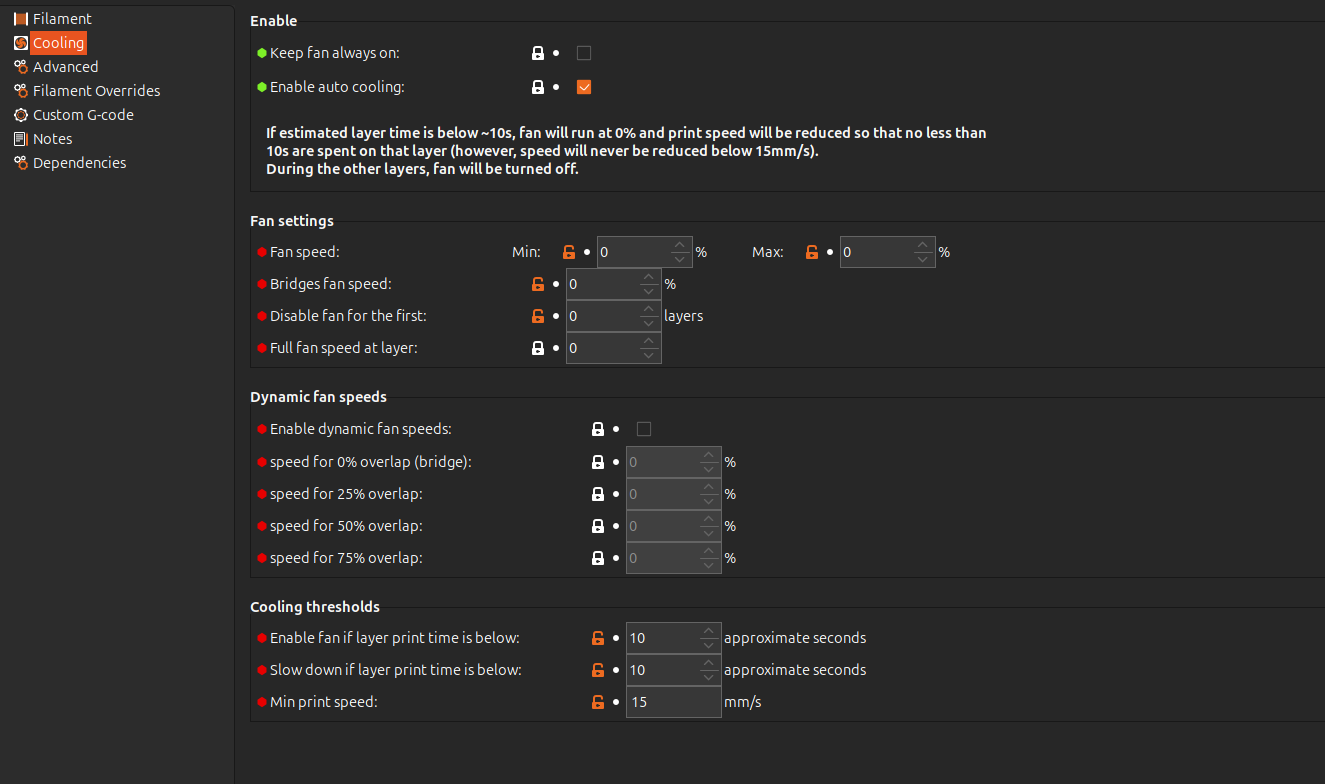
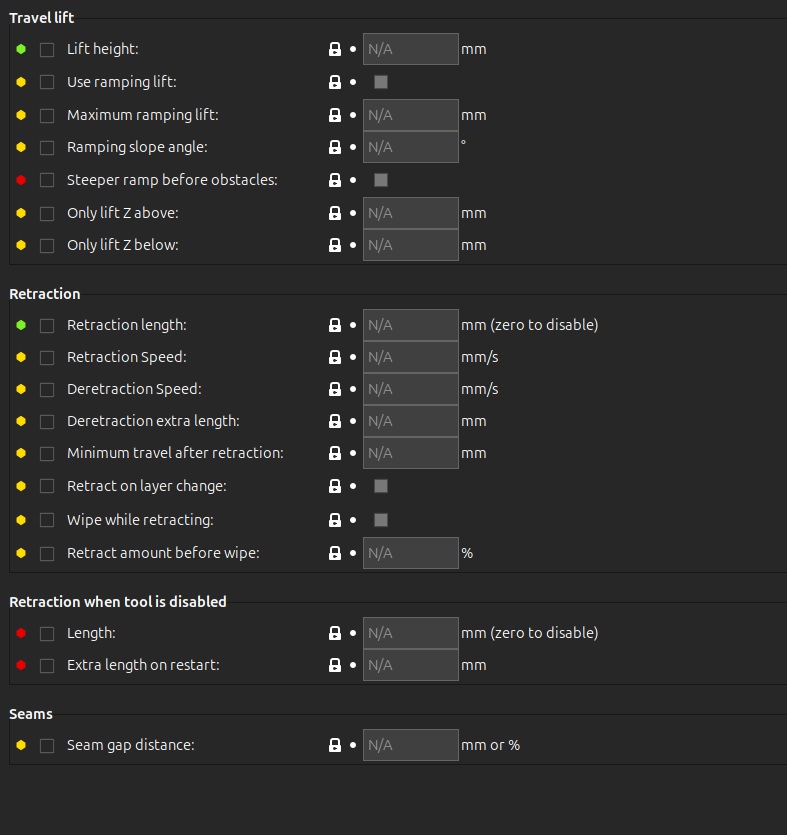
You may check the slicer settings.
You also may do the bed leveling at 100°C, as you need it for ABS




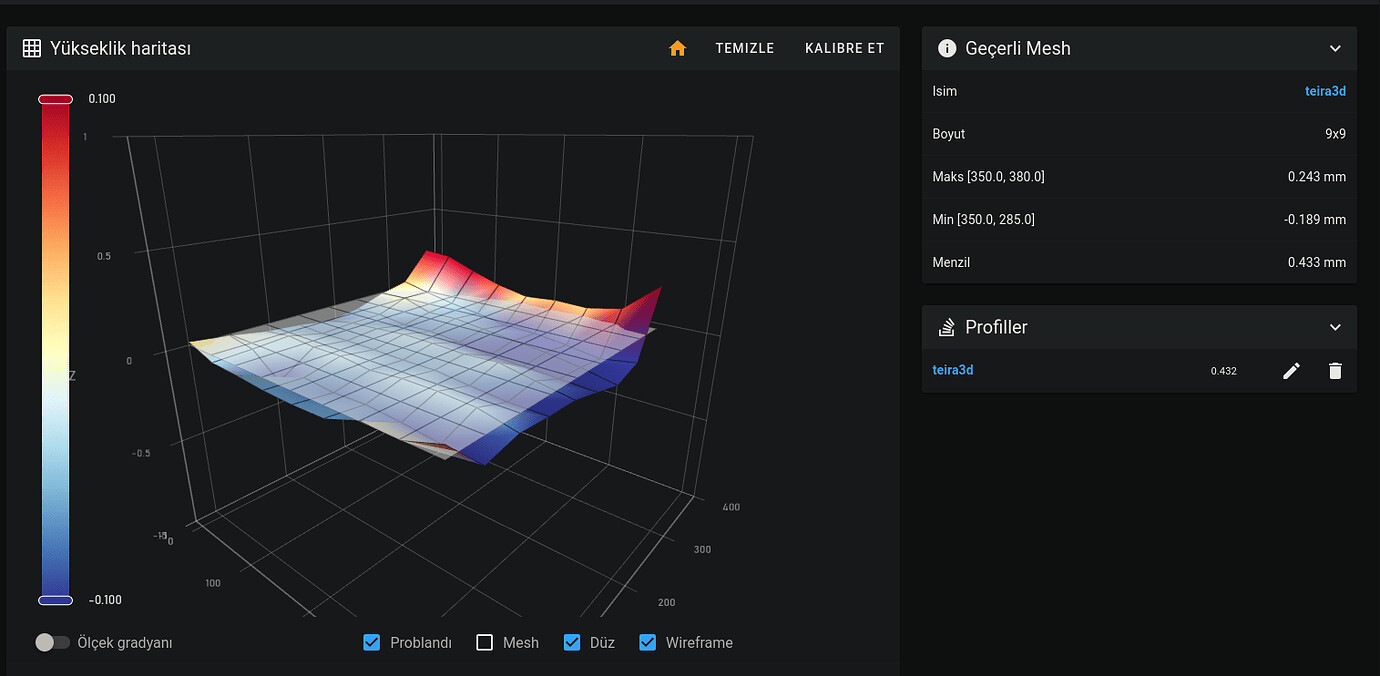
How far should I stay away from the bed edges when defining the mesh area?
You can define the limits of the area in the [bed_mesh] section :Configuration reference - Klipper documentation

- What kind of probe is this?
- What is it measured accuracy?
https://www.ia.omron.com/product/item/1922
I’m using an inductive proximity sensor: Omron TL-Q5MC1-Z
Here are the details:
-
Type: Inductive probe (NPN, Normally Open)
-
Sensing Distance: 5 mm
-
Repeatability: ≤ 0.01 mm (as per datasheet)
-
Operating Voltage: 12–24V DC
Have you already run the bed mesh on 100°C?
The surface of a build plate can change significantly in comparison to 70°C
A quick look in your logs shows no x_offset and y_offset defined for the probe. Did I overlook them?
Yes, I ran the bed mesh at 100 °C.
Is the root of the issue the missing x_offset and y_offset values?